
App comparison 3 min read
Yakpack vs. Microsoft Translator on Android
See how Android offline text, camera, phrasebooks, and spoken conversations differ across the two travel translators.
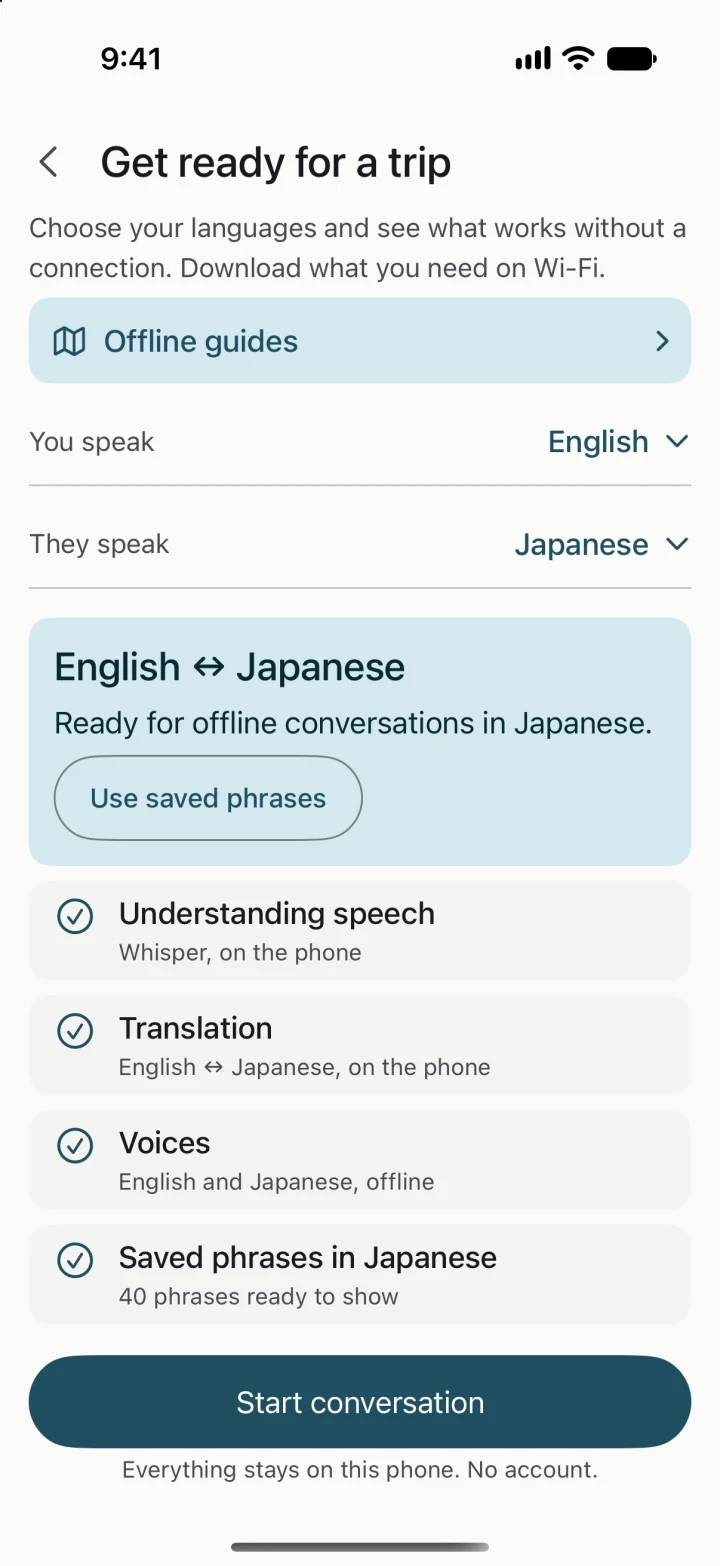
On Android, Microsoft Translator can handle offline text, photos, and saved phrases. Microsoft’s Android help lists voice and live conversations as requiring a connection. If you want to speak and hear a reply without service, try Yakpack with a supported pair, its offline speech model, translation downloads, and installed voices. Microsoft Translator for Android help
| Task | Yakpack | Microsoft Translator |
|---|---|---|
| Offline text and camera | Download translation resources for a supported pair and check the languages in Camera. | Download both language packs for offline text and camera translation. |
| Offline voice conversation | Prepare the offline speech model, translation resources, and voices. Test both directions. | Microsoft says live conversations and single- and split-screen microphone translation require a connection. |
| Phrases to show | Browse prepared phrases and save your own translated requests for reuse. | Phrasebooks and pinned translations are available offline. |
Rehearse a station question in airplane mode
- On Wi-Fi, open Offline Languages in Microsoft Translator and make sure both languages have a check mark. In Yakpack, check your pair in Camera and prepare the downloadable Whisper speech model, translation resources, and voices for Conversation. Yakpack’s offline voice setup
- Turn on airplane mode and make sure Wi-Fi is off. Import the same photo of a platform notice in both apps. Check the platform number and departure time against the original. Yakpack’s station sign guide
- In Yakpack, say “Is this the train to Kyoto?” and translate a short spoken reply. Confirm that both directions produce readable text and the audio you expect. In both apps, try typing the question or showing a phrase you prepared in case the station is too loud to use the microphone.
Which Android app fits the trip?
Microsoft Translator fits a day when you expect to type requests, photograph signs, or look up common phrases. Try Yakpack if you also need to ask a question aloud offline or estimate a ticket price in your home currency. Refresh Yakpack’s saved rates while you have a connection and check the rate date when you use them. How Yakpack estimates prices offline