
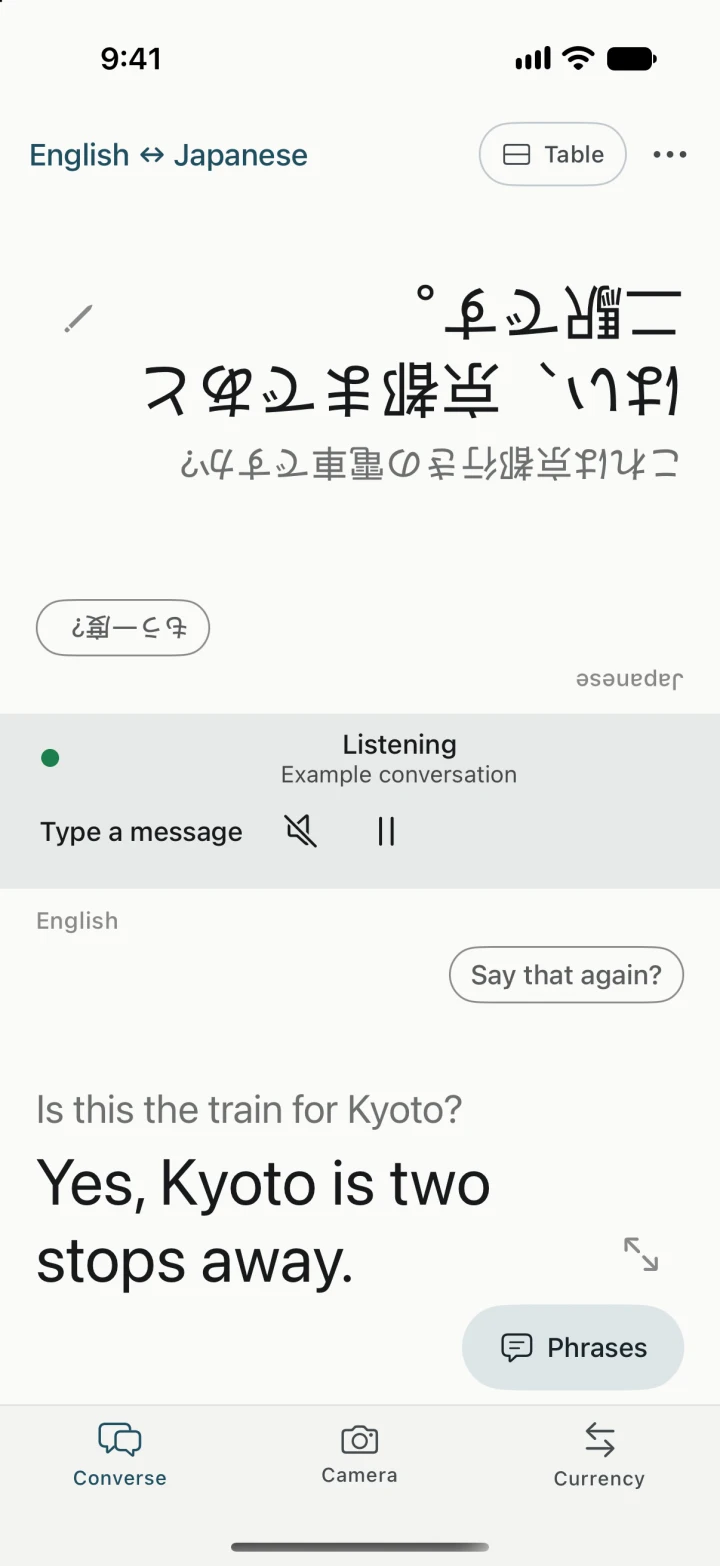
Conversation
Ask a local.
Speak or type in either language. Set the phone between two people for a split view, or hold it upright to read both sides yourself.
Play the last line again, ask someone to repeat it, or correct a word the phone misheard.
The offline travel translator
Find the right train. Ask what’s in the soup. Translate by voice or camera, show travel phrases, and check prices in one app. Once your speech, language, and voice downloads are ready, translation can run fully offline.

Out in the world
A few everyday ways to use Yakpack when you’re far from home.
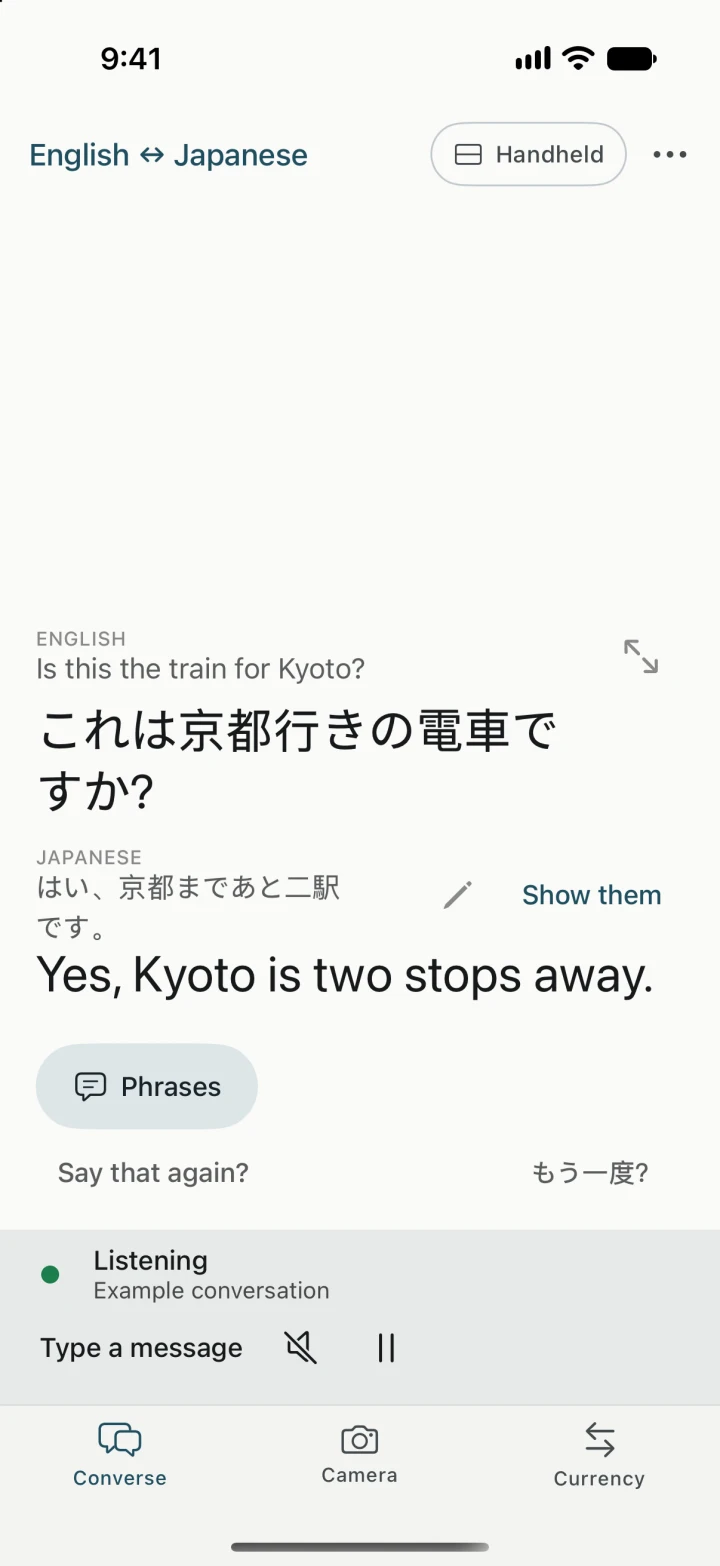
Conversation
Speak or type in either language. Set the phone between two people for a split view, or hold it upright to read both sides yourself.
Play the last line again, ask someone to repeat it, or correct a word the phone misheard.
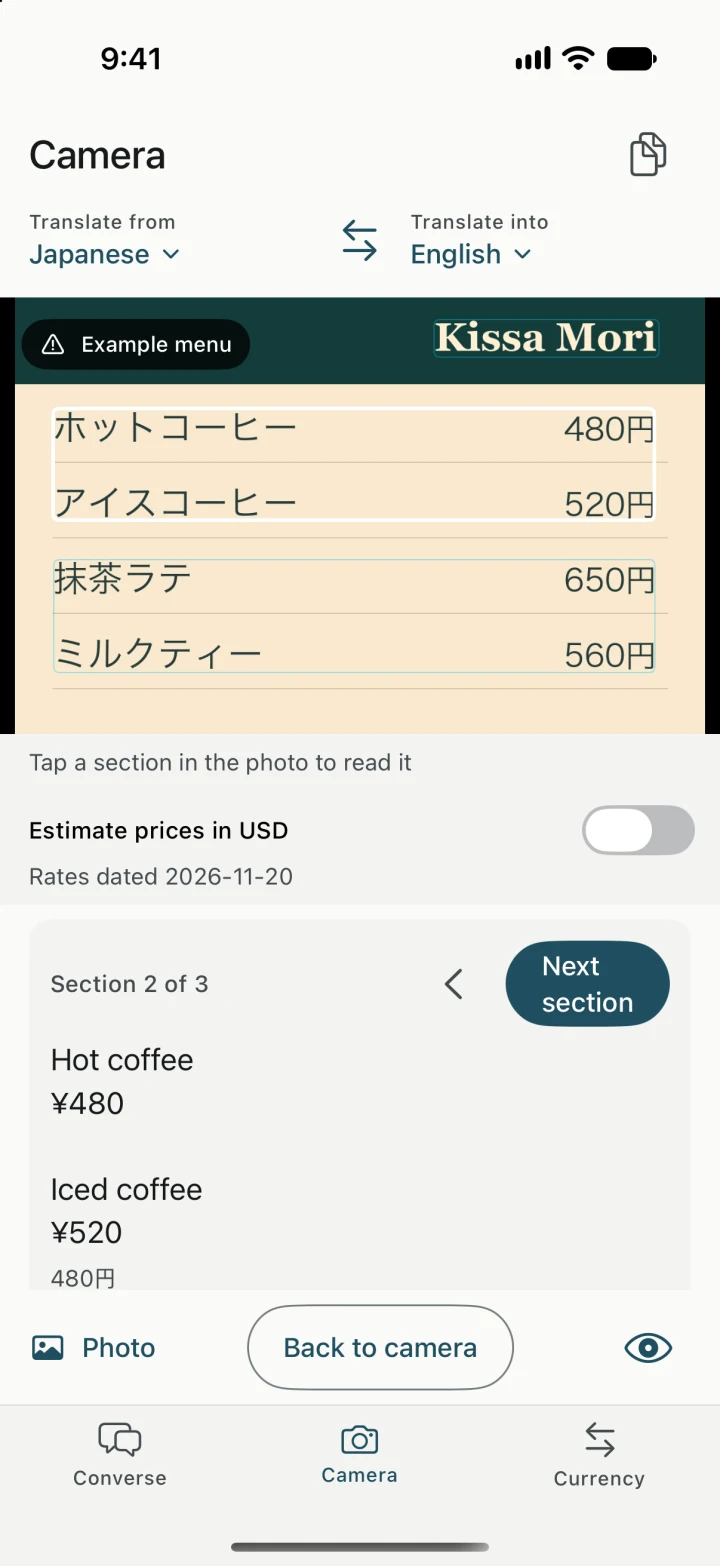
Camera
Point the camera at a menu or sign, or choose a photo you already have. Freeze the image to read one section at a time.
Open the original text to double-check a price or a tricky reading.
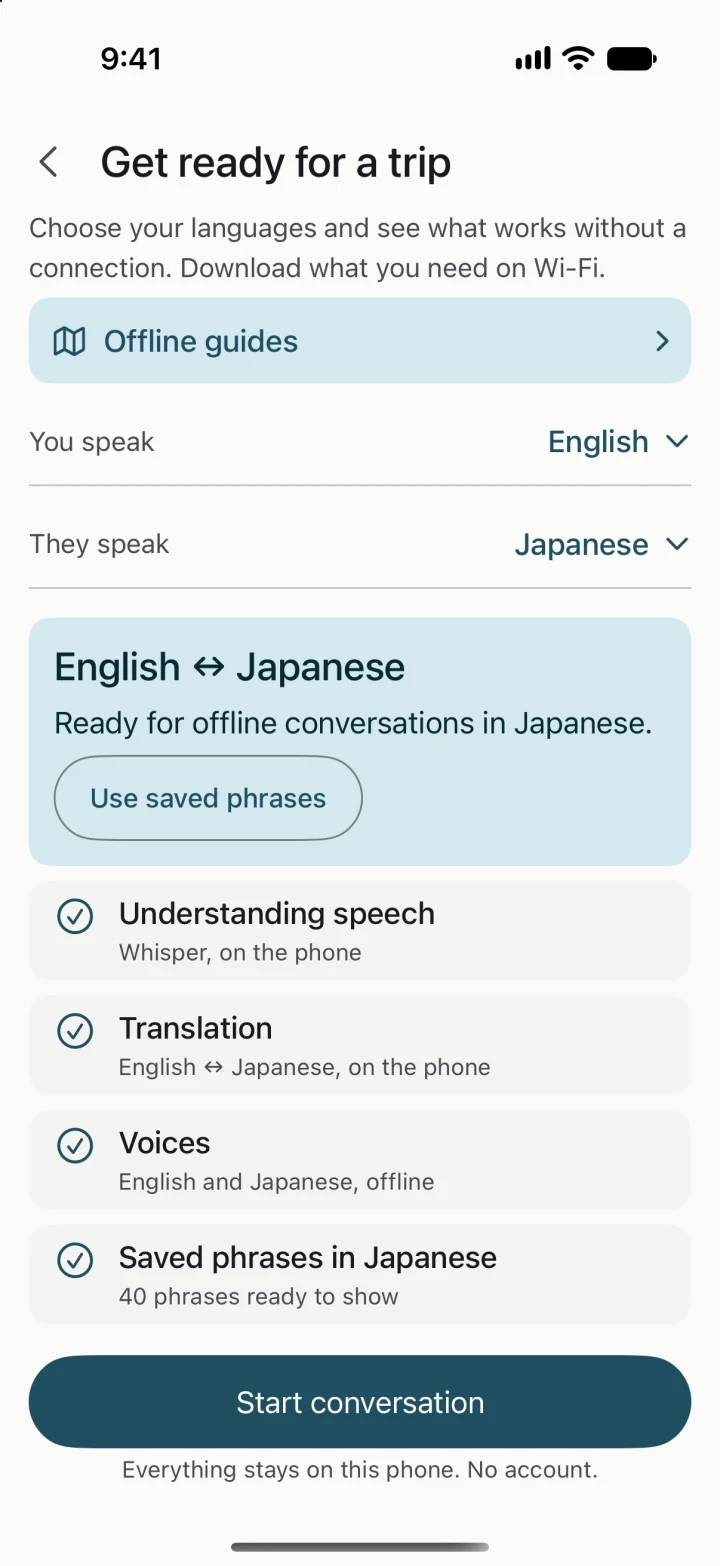
Trip prep
Choose your languages on Wi-Fi and see which downloads your phone needs for offline speech, translation, and playback.
Keep useful phrases handy, and use Currency for a quick estimate with the last saved rates.
Captured on iPhone simulator with sample content.
The Yakpack blog
A short Wi-Fi session before you leave can save a scramble at the station.
Read articleFreeze the menu, read a section at a time, and check the original when a detail matters.
Read articleTravel guides
Ask for directions, check in at a hotel, or have a two-way conversation in airplane mode after preparing both languages.
Read guideRead a restaurant menu with your camera, check the original text, and estimate prices in your home currency.
Read guideYes. With the right downloads, speech recognition, translation, and playback can all run on your phone. Before you leave, check the speech model, language packs, and voices for your pair, then test an exchange in airplane mode with Wi-Fi off. Some Android system speech and playback options can use the network if offline resources are missing. See the offline setup checklist.
Yes. Open Camera, choose the language you’re reading and the language you want to read it in, then point at the text or import a photo. Download the Camera language pair while you’re online so you can use it on the go. A photo stored only in the cloud needs to be downloaded before you can import it offline.
Yakpack has no account setup. Saved conversations live on your phone, where you can reopen, share, or delete them.