Voice and text
Offline voice translator for travel
Ask for directions, check in at a hotel, or have a two-way conversation in airplane mode after preparing both languages.
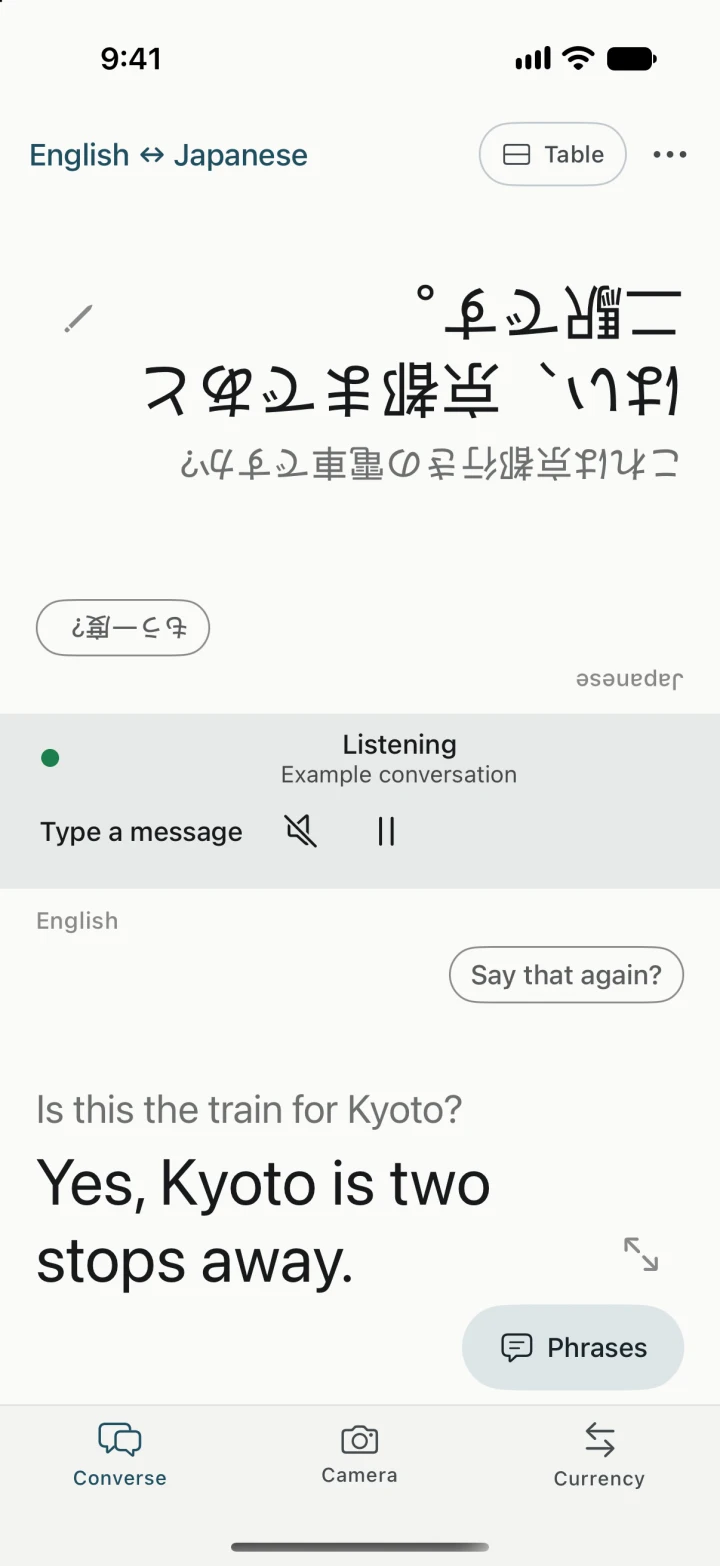
Set one phone between you
At a hotel desk, try asking “Can we leave our bags here until check-in?” in Conversation. Set the phone flat and use Table layout so the clerk can read their side. Use Handheld when you want both sides to face you. Keep the question short and leave a pause for the reply.
Get speech, text, and playback ready
On Wi-Fi, choose both languages in Get ready for a trip. Check that your speech model, translation resources, and any voices you want to hear are ready. Yakpack’s downloadable Whisper speech model runs on the phone. Some system speech and voice options, especially on Android, can need a network connection. Test both directions in airplane mode with Wi-Fi off. Follow the offline setup checklist.
Keep going in a noisy lobby
Type a question if the microphone keeps catching other people. Replay a translated line when someone misses it, or correct a misheard word before showing it again. You can revisit saved conversations on the phone later, such as the luggage pickup time or the address the clerk gave you.